Το άνοιγμα αρχείων λογιστικών φύλλων δεν πρέπει να απαιτεί εναλλαγή συσκευών ή αναμονή για τη φόρτωση βαρύ λογισμικού. Με το OnlineDocumentViewer, οι ομάδες μπορούν να ανοίξουν αρχεία Excel απευθείας στον περιηγητή — χωρίς εγκατάσταση, χωρίς πρόσθετα και χωρίς λογαριασμούς χρηστών. Είτε ελέγχετε ένα οικονομικό μοντέλο, είτε ελέγχετε μια εξαγωγή CSV, είτε επαληθεύετε μια αναφορά XLSX, όλα εμφανίζονται μέσα σε δευτερόλεπτα σε οποιονδήποτε σύγχρονο περιηγητή που εκτελείται σε Windows.
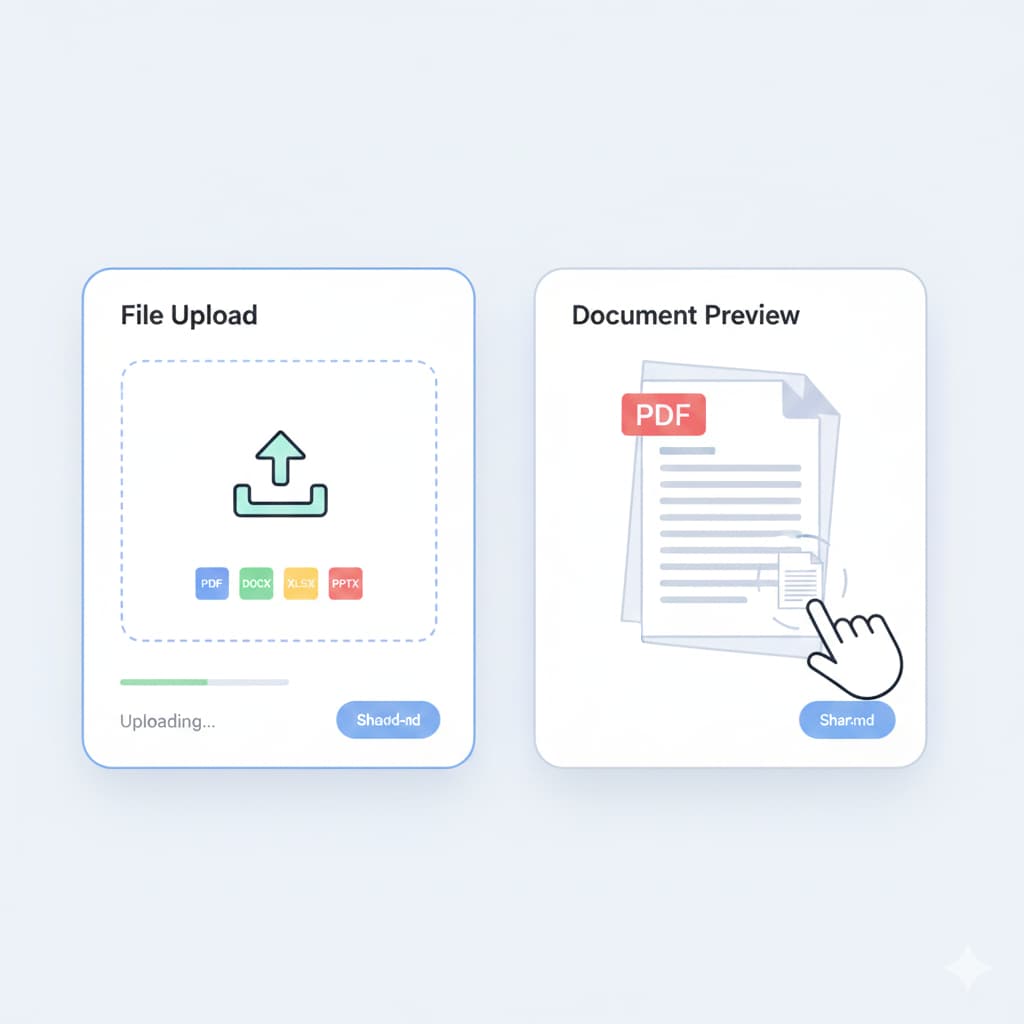
Ο προβολέας υποστηρίζει XLS, XLSX, CSV και ODS, καθιστώντας το μια πρακτική λύση για ομάδες που εργάζονται καθημερινά με δεδομένα.
Άμεση Προεπισκόπηση Excel στον Περιηγητή – Δεν Απαιτείται Τοπικό Λογισμικό
OnlineDocumentViewer δίνει στην ομάδα σας τη δυνατότητα να ανοίγει αρχεία λογιστικών φύλλων online χωρίς να αγγίζει το Excel ή οποιοδήποτε άλλο εργαλείο επιφάνειας εργασίας.
Υποστηριζόμενες Μορφές Λογιστικών Φύλλων
| Μορφή | Περιγραφή | Πλεονέκτημα |
|---|---|---|
| XLS, XLSX | Τυπικά βιβλία εργασίας του Excel | Ομαλή πλοήγηση σελίδων και καθαρή απόδοση κελιών |
| CSV | Αποκρίσεις δεδομένων χωρισμένες με κόμμα | Ιδανικό για βάσεις δεδομένων, αρχεία καταγραφής και πίνακες ελέγχου εφαρμογών |
| ODS | Φύλλα εργασίας OpenDocument | Εμφανίζει άμεσα χωρίς ανάγκη μετατροπής |
Αυτό καθιστά εύκολη την προεπισκόπηση μεγάλων αρχείων δεδομένων προτού τα κατεβάσετε ή τα μοιραστείτε.
Βελτιστοποιημένη Προβολή για Μεγάλα Λογιστικά Φύλλα
Σύνθετα έγγραφα Excel — αναφορές πολλαπλών φύλλων, οικονομικές καταστάσεις, πίνακες εργαλείων ή εισαγόμενα σύνολα δεδομένων — μπορεί να είναι αργά στο άνοιγμα σε ορισμένες συσκευές. Το OnlineDocumentViewer τα διαχειρίζεται άνετα:
- Γρήγορη αλλαγή φύλλων ακόμη και σε μεγάλα βιβλία εργασίας
- Ομαλή κάθετη και οριζόντια κύλιση μέσω χιλιάδων σειρών
- Καθαρή απόδοση πινάκων, τύπων και μορφοποίησης κελιών
- Υποστηρίζει λογιστικά φύλλα που υπερβαίνουν τα τυπικά όρια κινητών συσκευών
Χάρη στην προηγμένη τεχνολογία HTML5 και τη φόρτωση μέσω Ajax, ακόμη και τα υπερμεγέθη σύνολα δεδομένων παραμένουν ευκρινή και ανταποκρίσιμα.
Ενσωματωμένα Εργαλεία για Ανάλυση
Το OnlineDocumentViewer περιλαμβάνει χρήσιμα εργαλεία ώστε οι ομάδες να μπορούν να ελέγξουν και να αναλύσουν τα δεδομένα των λογιστικών φύλλων χωρίς να αφήσουν τον περιηγητή:
- Search – Βρείτε τιμές, ετικέτες ή κείμενο άμεσα.
- Zoom controls – Ρυθμίστε την κλίμακα προβολής για πυκνούς πίνακες ή ευρείες αναφορές.
- Print & Download – Εξάγετε το αρχείο όταν είστε έτοιμοι να εργαστείτε εκτός σύνδεσης.
- Sheet navigation bar – Μεταβείτε μεταξύ φύλλων με ένα κλικ.
Αυτές οι λειτουργίες καθιστούν τον προβολέα ιδανικό για γρήγορη αξιολόγηση, ελέγχους και συνεργασία.
Κοινή Χρήση Cloud για Διαδικασίες Ομάδας
Επειδή όλα εκτελούνται στον περιηγητή, οι ομάδες μπορούν να μοιράζονται προεπισκοπές υπολογιστικών φύλλων πιο εύκολα:
- Δημιουργία ασφαλών, κοινόχρηστων συνδέσμων προβολής
- Ενσωμάτωση λογιστικών φύλλων σε εσωτερικά dashboards ή πόρτες πρόσβασης
- Αποφυγή περιττών λήψεων — προβάλτε πρώτα, αποθηκεύστε αργότερα
- Διασφάλιση σταθερής μορφοποίησης σε όλους τους χρήστες
Τα δεδομένα παραμένουν εντός μιας ελεγχόμενης συνεδρίας και δεν αποθηκεύονται μόνιμα εκτός εάν ο χρήστης αποφασίσει να τα κατεβάσει.
Κύρια Πλεονεκτήματα για Ομάδες με Έμφαση στο Excel
- Μηδενική εγκατάσταση – Άνοιγμα αρχείων λογιστικών φύλλων αμέσως χωρίς καμία εγκατάσταση.
- Υποστηρίζει πολλαπλές μορφές – Φόρτωση XLS, XLSX, CSV και ODS απευθεία στον περιηγητή.
- Γρήγορη απόδοση – Βελτιστοποιημένο για μεγάλα ή πολυφυλλομερή βιβλία εργασίας Excel.
- Σχεδιασμένο για συνεργασία – Κοινόχρηστοι σύνδεσμοι και ενσωματωμένες προβολές απλοποιούν τη συνεργασία.
- Εργαλεία βασισμένα στον περιηγητή – Αναζήτηση, εστίαση, πλοήγηση φύλλων και λήψεις ενσωματωμένες.
Συχνές Ερωτήσεις
Ε: Χρειάζεται λογαριασμός Microsoft για το άνοιγμα αρχείων Excel; Α: Όχι. Το OnlineDocumentViewer λειτουργεί ανεξάρτητα από τις υπηρεσίες της Microsoft.
Ε: Μπορώ να προβάλλω αρχεία Excel με πολλά φύλλα; Α: Ναι. Μπορείτε να μεταβείτε μεταξύ των φύλλων άμεσα χρησιμοποιώντας τη γραμμή πλοήγησης φύλλων.
Ε: Αποθηκεύονται τα αρχεία μου στους διακομιστές σας; Α: Τα αρχεία επεξεργάζονται στη μνήμη και δεν αποθηκεύονται μόνιμα, εκτός εάν τα κατεβάσετε ρητά.
Ε: Μπορώ να ενσωματώσω προεπισκοπήσεις Excel στην ενδοεπιχειρησιακή μου ιστοσελίδα; Α: Απολύτως. Ο κώδικας ενσωμάτωσης λειτουργεί σε οποιαδήποτε σελίδα ή εσωτερική πλατφόρμα.
