Opening spreadsheet files shouldn’t require switching devices or waiting for heavy software to load. With OnlineDocumentViewer, teams can open Excel files directly in the browser—no installation, no plug-ins, and no user accounts. Whether you’re reviewing a financial model, checking a CSV export, or verifying an XLSX report, everything appears within seconds on any modern browser running on Windows.
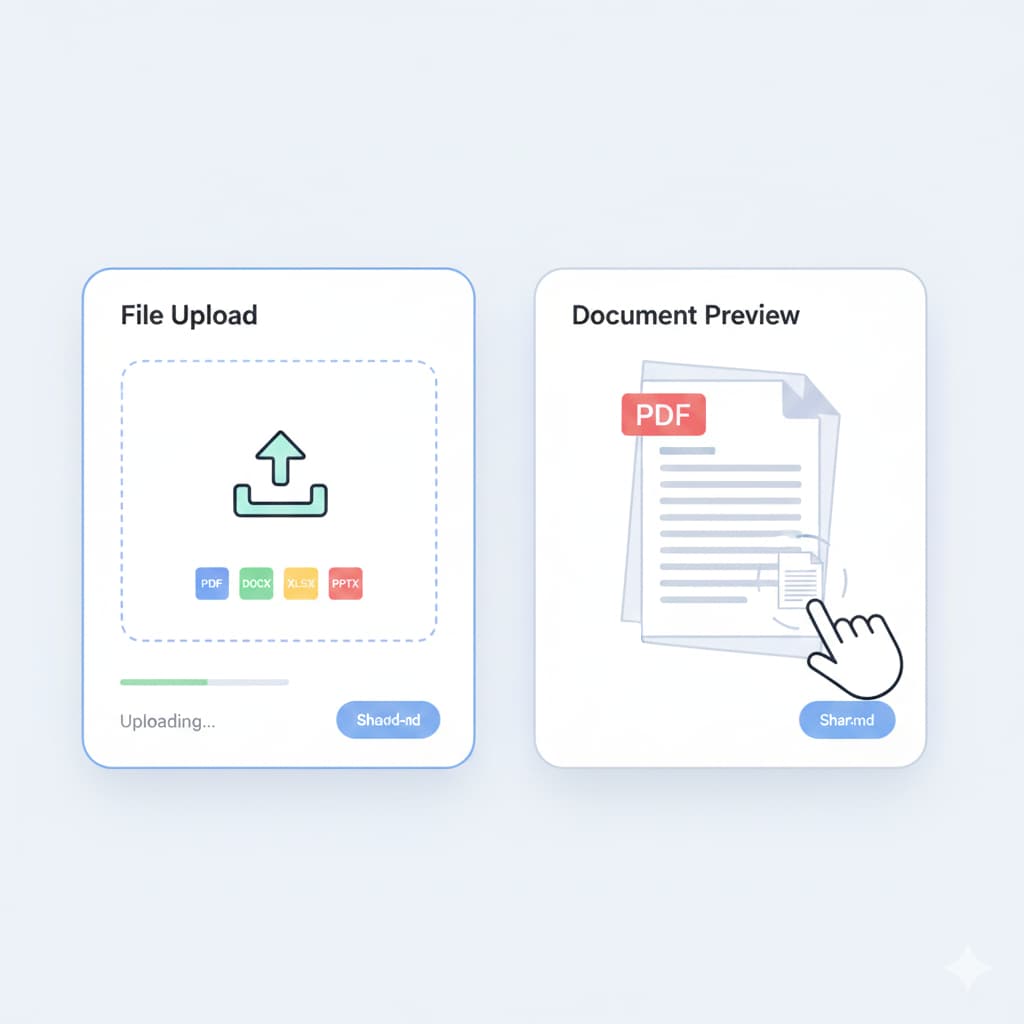
The viewer supports XLS, XLSX, CSV, and ODS, making it a practical solution for teams that work with data every day.
Instant Excel Preview in the Browser – No Local Software Needed
OnlineDocumentViewer gives your team the ability to open spreadsheet files online without touching Excel or any other desktop tool.
Supported Spreadsheet Formats
| Format | Description | Benefit |
|---|---|---|
| XLS, XLSX | Standard Excel workbooks | Smooth paging and clean cell rendering |
| CSV | Comma-separated data exports | Ideal for databases, logs, and app dashboards |
| ODS | OpenDocument spreadsheets | Viewable directly with no conversion required |
This makes it easy to preview data-heavy files before downloading or sharing them.
Optimised Viewing for Large Spreadsheets
Complex Excel documents—multi-sheet reports, financial statements, dashboards, or imported datasets—can be slow to open on some devices. OnlineDocumentViewer handles them effortlessly:
- Quick sheet switching even in large workbooks
- Smooth vertical and horizontal scrolling through thousands of rows
- Crisp rendering of tables, formulas, and cell formatting
- Supports spreadsheets that exceed typical mobile device limits
Thanks to advanced HTML5 and Ajax loading, even oversized datasets remain responsive.
Built-In Tools for Analysis
OnlineDocumentViewer includes helpful tools so teams can review and analyze spreadsheet data without leaving the browser:
- Search – Find values, labels, or text strings instantly.
- Zoom controls – Adjust the view for dense tables or wide reports.
- Print & Download – Export the file when you’re ready to work offline.
- Sheet navigation bar – Jump between sheets with a single click.
These utilities make the viewer ideal for quick reviews, audits, and collaboration.
Cloud-Based Sharing for Team Workflows
Because everything runs in the browser, teams can share spreadsheet previews more easily:
- Generate secure, shared viewing links
- Embed spreadsheets inside internal dashboards or portals
- Prevent unnecessary downloads—view first, save later
- Ensure consistent formatting across all viewers
Data stays within a controlled session and is not stored permanently unless a user chooses to download the file.
Key Benefits for Excel-Focused Teams
- Zero installation – Open spreadsheet files instantly with no setup.
- Supports multiple formats – XLS, XLSX, CSV, and ODS load directly in the browser.
- Fast performance – Optimised for large or multi-sheet Excel workbooks.
- Built for collaboration – Shareable links and embedded views simplify teamwork.
- Browser-driven tools – Search, zoom, sheet navigation, and downloads included.
Common Questions
Q: Do I need a Microsoft account to open Excel files?
A: No. OnlineDocumentViewer works completely independently of Microsoft services.
Q: Can I view multi-sheet Excel files?
A: Yes. You can switch between sheets instantly using the built-in navigation panel.
Q: Are my files saved on your servers?
A: Files are processed in memory and not stored permanently unless you explicitly download them.
Q: Can I embed Excel previews on my company intranet?
A: Absolutely. The embed code works in any webpage or internal platform.
